
PayPal
Digital walletsPayPal is a major digital wallet, with over 300 million active consumers
-
In Adyen:
- Enable PayPal in your Adyen Customer Area under Settings > Payment Methods.
- Ensure your PayPal Merchant ID is linked to your Adyen account.
-
In VTEX:
- Go to Store Settings > Payment > Settings.
- In the Payment Conditions tab, click the
 button.
 - Search for PayPal and select it.
Attention: When searching for PayPal in VTEX, you will find several options. Make sure to select the option named simply PayPal.
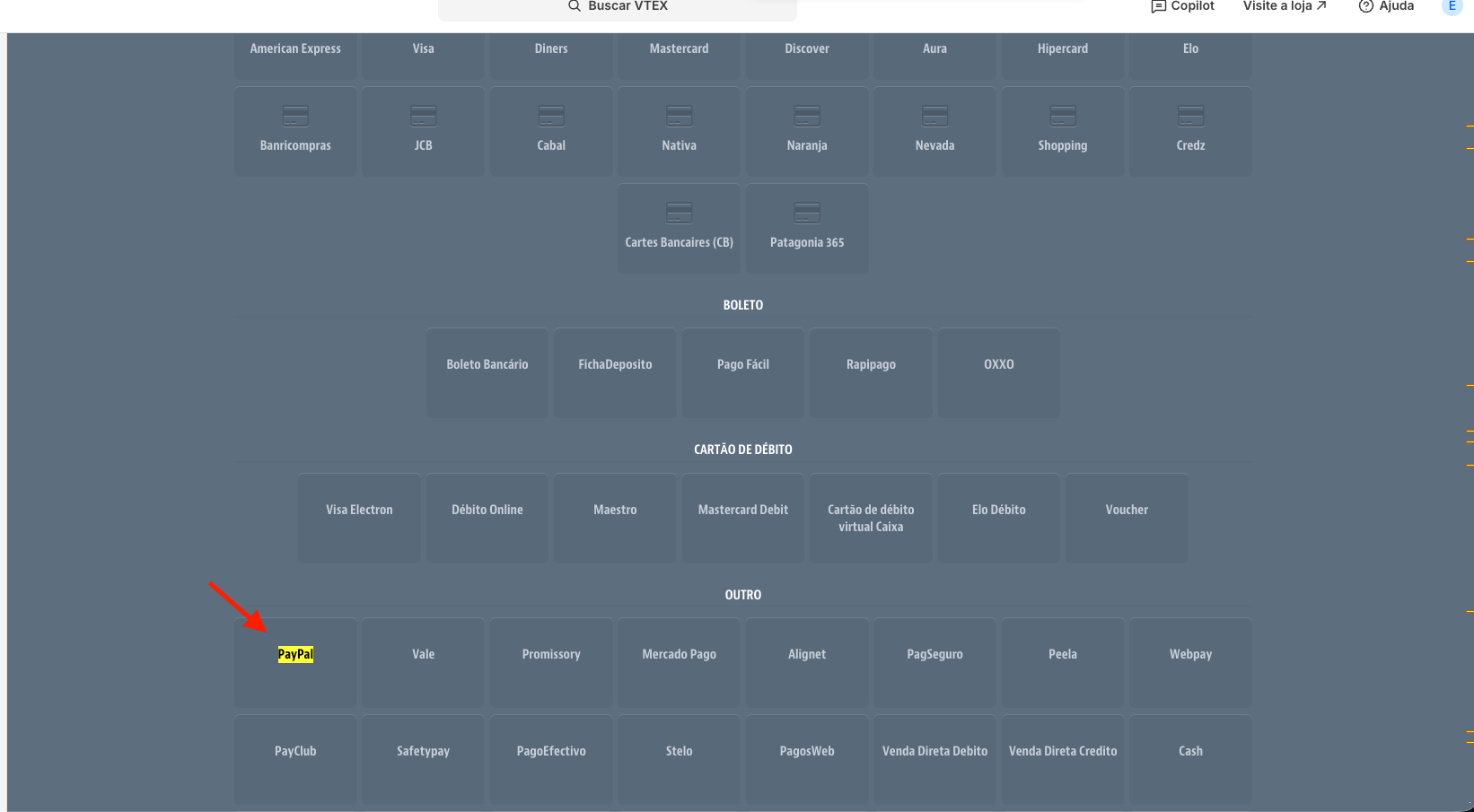
- Select the Adyen provider in the Process with provider field.
- Set the status to Active and click Save.
Business Rules
Payment Flow
- The customer selects PayPal at checkout.
- The customer is redirected to the PayPal environment to log in and approve the payment.
- After approval, the customer is redirected back to the store.
- Adyen processes the transaction and sends a webhook.
- The connector updates the order status in VTEX.
Specific Rules
- Refund: Full and partial refunds are supported directly through the connector.
Was this page helpful?